捕捉Capture
先记下来Start by writing it down
想法、提醒、问题与片段记录都能先安静落下。是否成为计划,永远由你决定。
Thoughts, reminders, questions, and fragments can land quietly first. Whether they become a commitment is always your decision.
Sireon 是给长期使用者的本地行动系统:今天要做什么、未来要抵达哪里、支撑判断的笔记和资料,都保持在一张连续的工作台上。
Sireon is a local action system for people who plan over time: today's work, a longer direction, and the notes and material behind a decision stay in one continuous workspace.
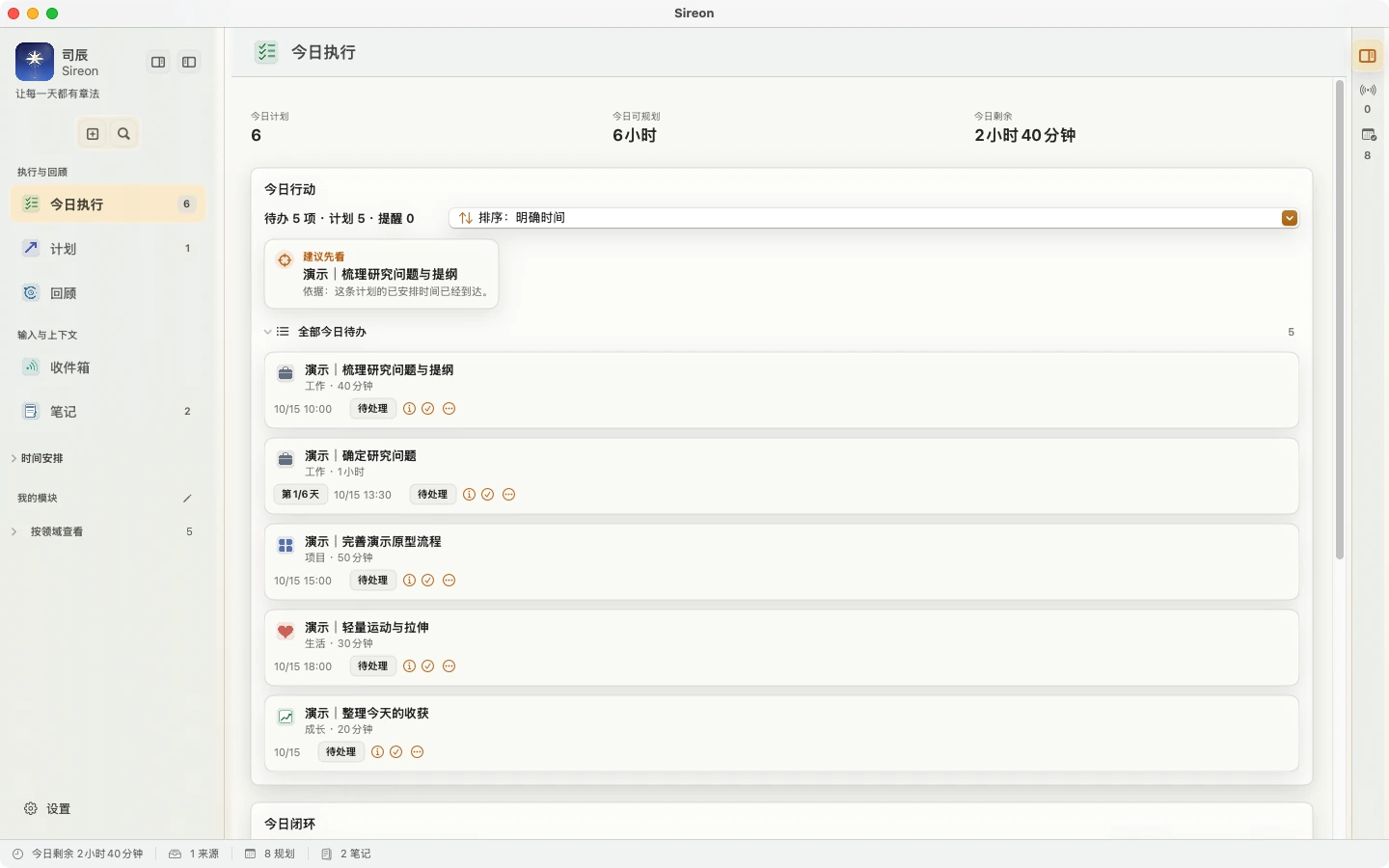
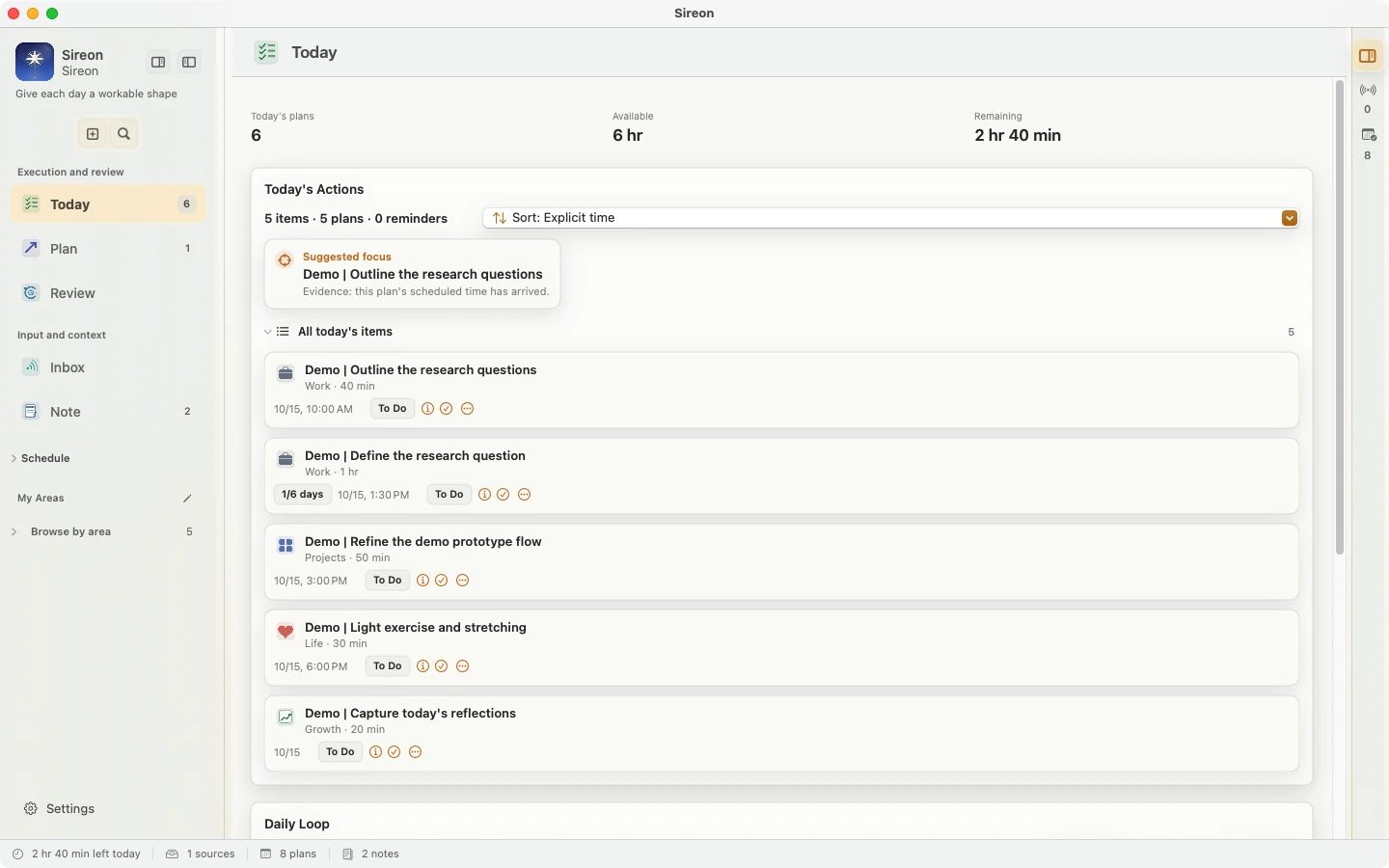
一处安放,一套节奏。Sireon 不要求你重做生活,只帮助你把已经重要的事安排得更清楚。
One place, one rhythm. Sireon does not ask you to rebuild your life. It helps the things that already matter find a clearer place.
想法、提醒、问题与片段记录都能先安静落下。是否成为计划,永远由你决定。
Thoughts, reminders, questions, and fragments can land quietly first. Whether they become a commitment is always your decision.
计划、提醒和可用时间在同一张清单里。完整可见,不用把生活压缩成几条口号。
Plans, reminders, and available time meet in one list. Everything stays visible without reducing your life to a slogan.
完成、调整和暂停都会留下清晰线索,让下一次安排更贴近你真实的节奏。
Completion, adjustment, and pause all leave a clear trace, so the next plan can better fit your real rhythm.
“今日执行”负责当天的完整队列,“收件箱”收住还没决定的输入;两者分开,计划不会和想法混在一起。
Today keeps the full action queue. Inbox holds things you have not decided on yet, so commitments and ideas do not get mixed together.
“笔记”保存本地 Markdown;“计划”把长期目标、阶段、里程碑和连续计划接起来。只有和已确认计划关联、并且真实完成的里程碑,才进入个人成长。
Note keeps local Markdown. Plan connects long-term goals, stages, milestones, and recurring plans. Only a completed milestone linked to a confirmed plan contributes to personal growth.
“回顾”帮助你查看真实执行结果,再决定如何调整下一步。
Review helps you examine what actually happened and decide how to adjust your next step.
协作工作区把对话、分析和行动放在一起。它能理解你的计划与资料,提出下一步;每一次改变都有清晰回执,并可撤销。
The collaboration workspace brings conversation, analysis, and action together. It understands your plans and material, suggests the next step, and keeps every change visible and reversible.
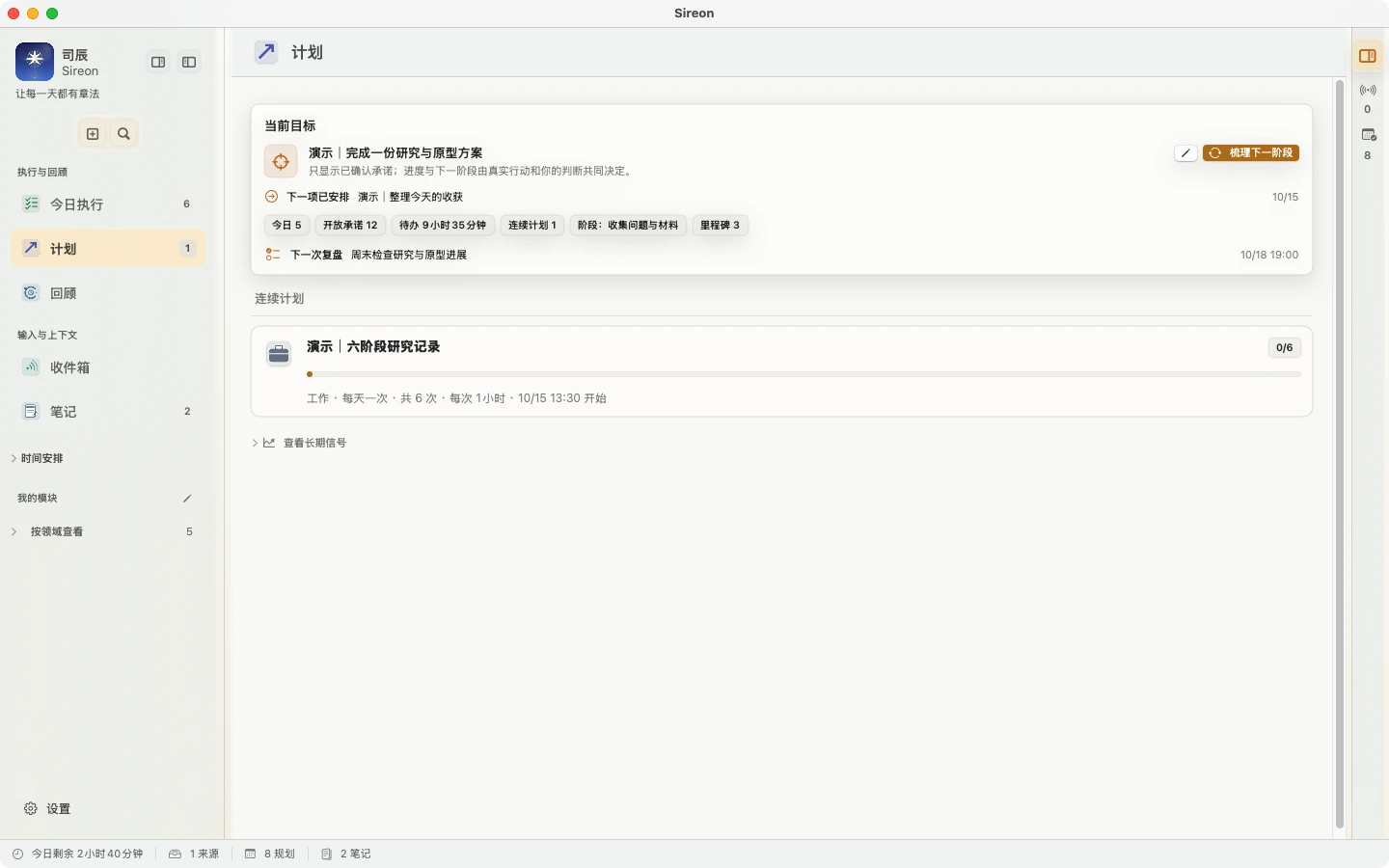
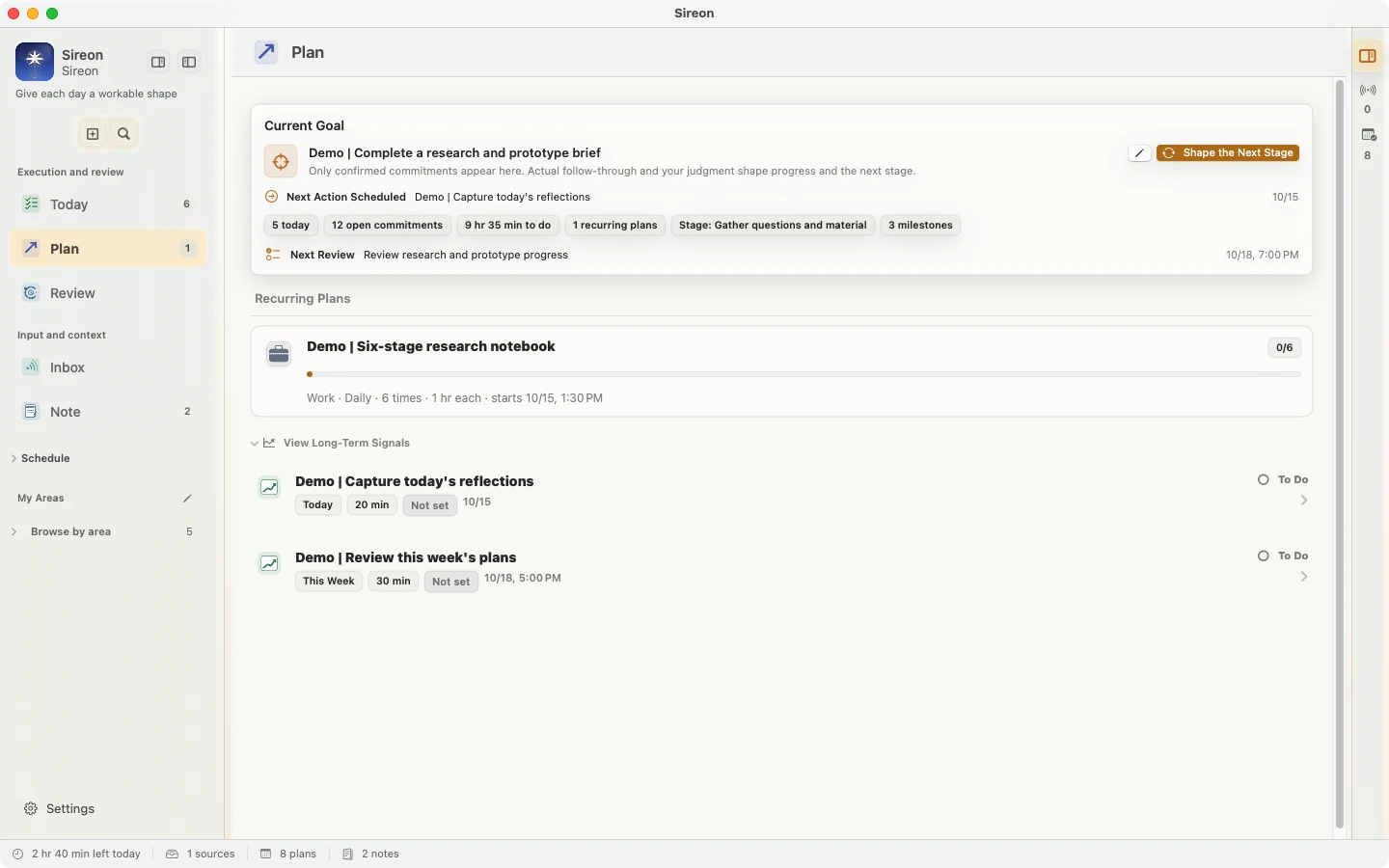
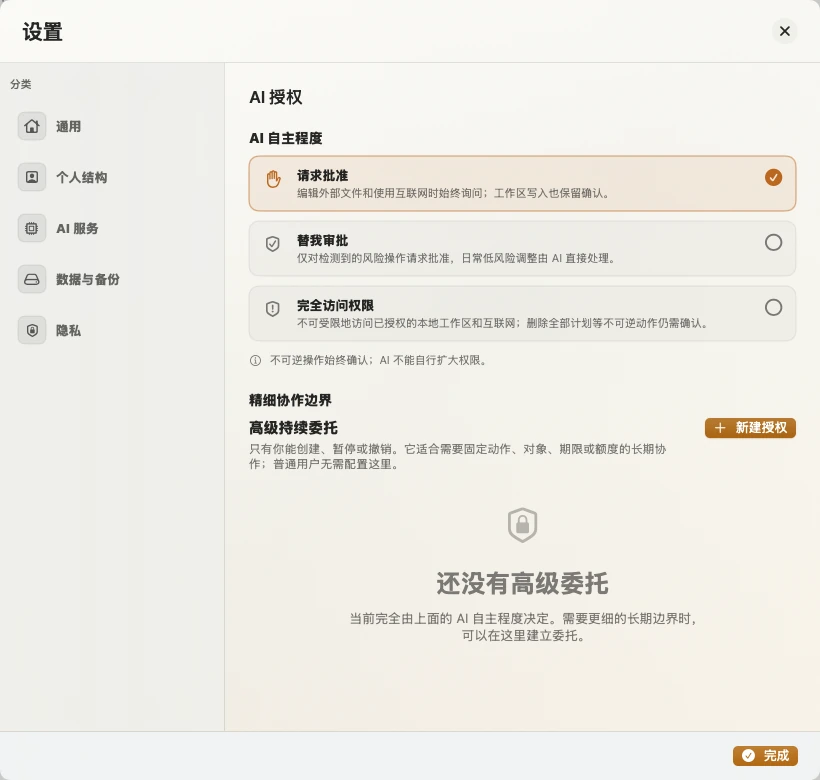
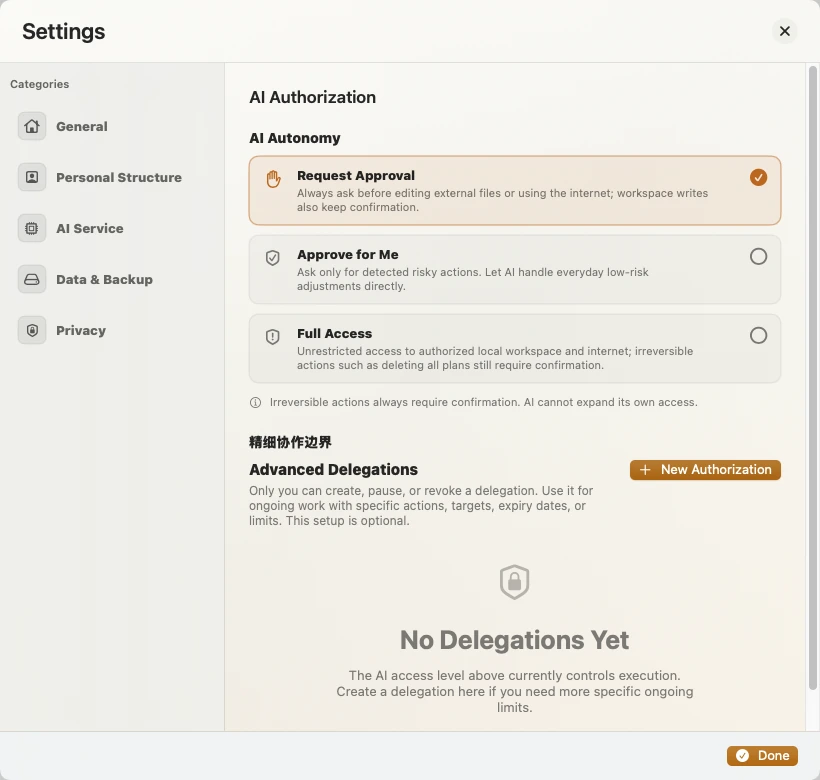
真正可靠的工具不制造压力,也不替人做价值判断。
A reliable tool should not create pressure or make value judgments on your behalf.
1.12.1 · build 2026101502 ·
适用于 macOS 15 或更高版本,仅支持 Apple Silicon。安装包已使用 Developer ID 签名并完成 Apple 公证。
For macOS 15 or later on Apple Silicon. The installer is Developer ID–signed and Apple-notarized.
已有用户可在应用内检查更新,查看更新说明后选择“立即更新并重新启动”。兼容的旧构建使用签名增量更新,不匹配时自动使用完整安装包。
Existing users can check for updates in the app, read what’s new, and choose “Update now and restart.” Compatible builds use a signed delta; other builds use the full installer.
.dmg,把 Sireon.app 拖入“应用程序”。Open the .dmg and drag Sireon.app into Applications.9 项主要修复,让提醒、计划、行动记忆和应用内更新更可靠。
Nine fixes for more reliable reminders, plans, action memory, and in-app updates.
从 Sireon 设置中复制“本机机器码”,提交后我们会将试用激活码发送到你的邮箱。
Copy the machine code from Sireon Settings and submit it here. We will send your trial code by email.